First things first, I get your frustration. Been there, done that. Here’s a breakdown of what you can do to maybe get your folder back:
-
Check Time Machine: If you’ve been using Time Machine for backups, you can restore your deleted folder. Open Time Machine, go back to a time before the folder was deleted, and restore it.
-
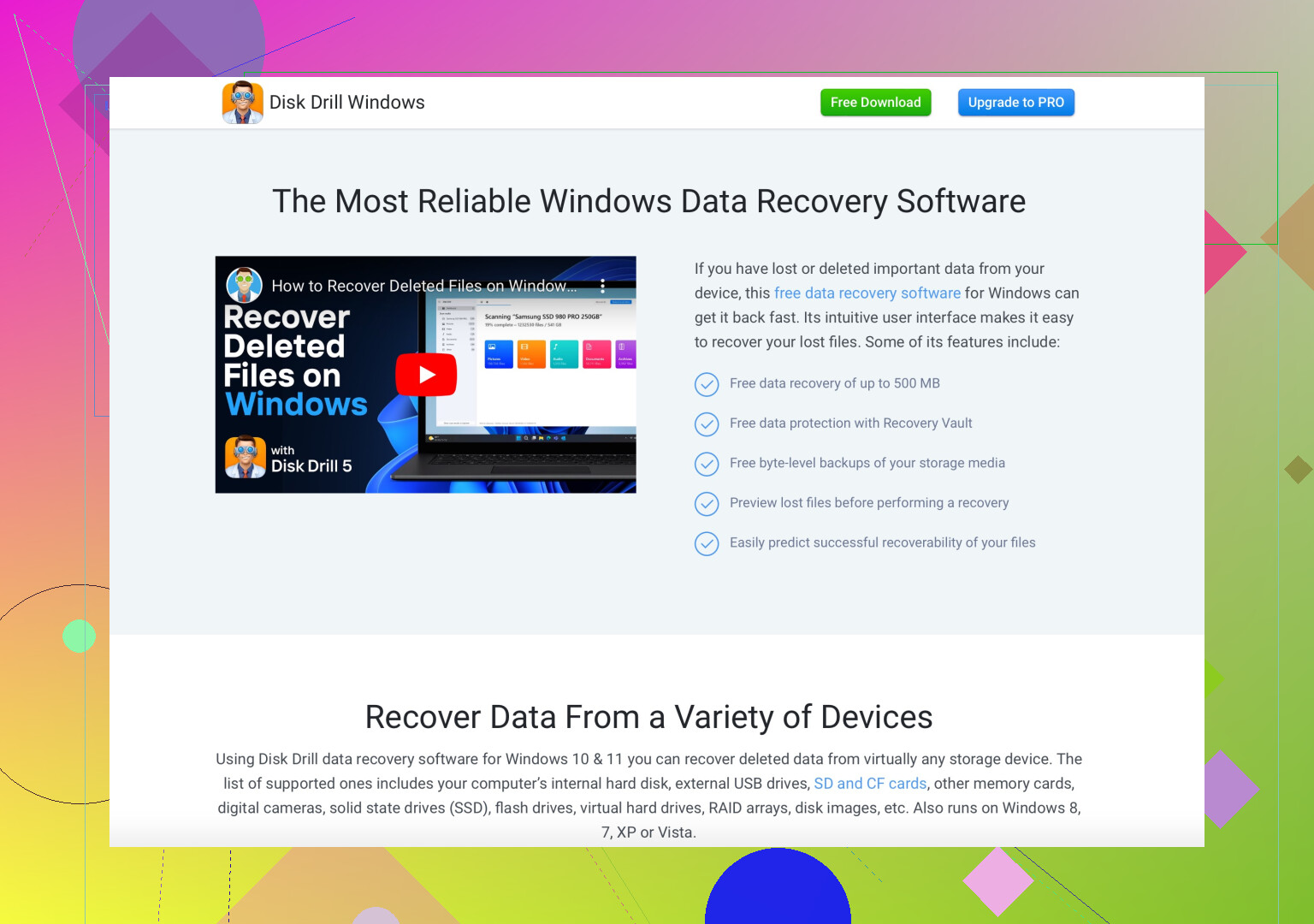
Use Recovery Software: When the Trash and Time Machine don’t come through, it’s time to call in the big guns. Consider using Disk Drill Data Recovery Software. It’s known for being user-friendly and effective. Install it, scan your drive, and see if it can locate your lost folder.
-
File System Check: Sometimes the folder isn’t deleted but just lost due to a minor file system error. Running Disk Utility and using First Aid might help.
-
Professional Help: As a last resort, you can consult a data recovery professional. This is usually costly, so weigh it against the importance of the lost data.
P.S. In the future, remember to regularly backup your files. Time Machine is great for this, or you can use cloud services like iCloud, Google Drive, etc. Prevention is always better than cure!
Hope this helps. Let us know what worked for you!