I’m trying to set up a virtual COM port on my Windows PC to connect two programs that only communicate through serial ports, but I can’t seem to find software that works reliably. Can anyone suggest free or paid options for creating virtual serial ports on Windows, and share any tips for setting them up?
You’d think in 2024, setting up a virtual COM port between two stubborn legacy programs wouldn’t turn you into a hair-pulling, coffee-chugging hobbyist, but here we are. I’ve danced this dance before, and one clear winner that’s stood out for me and a bunch of others is “Virtual Serial Port Driver” by Eltima. Yeah, it’s paid, but it Just Works™ without locking up or mysteriously vanishing your virtual COM ports like the ‘freeware’ alternatives (looking at you, com0com, and your occasionally cursed installer).
Speaking of com0com: if you’re really gung-ho on not spending a dime, it’s an open-source option. Just brace yourself for a learning curve, sometimes cryptic error messages, and the odd Windows driver signature drama. Some folks have luck with VSPE (Virtual Serial Port Emulator)—there’s a free 32-bit version, but you’ll run into limitations if you’re on x64 or need more than the basics.
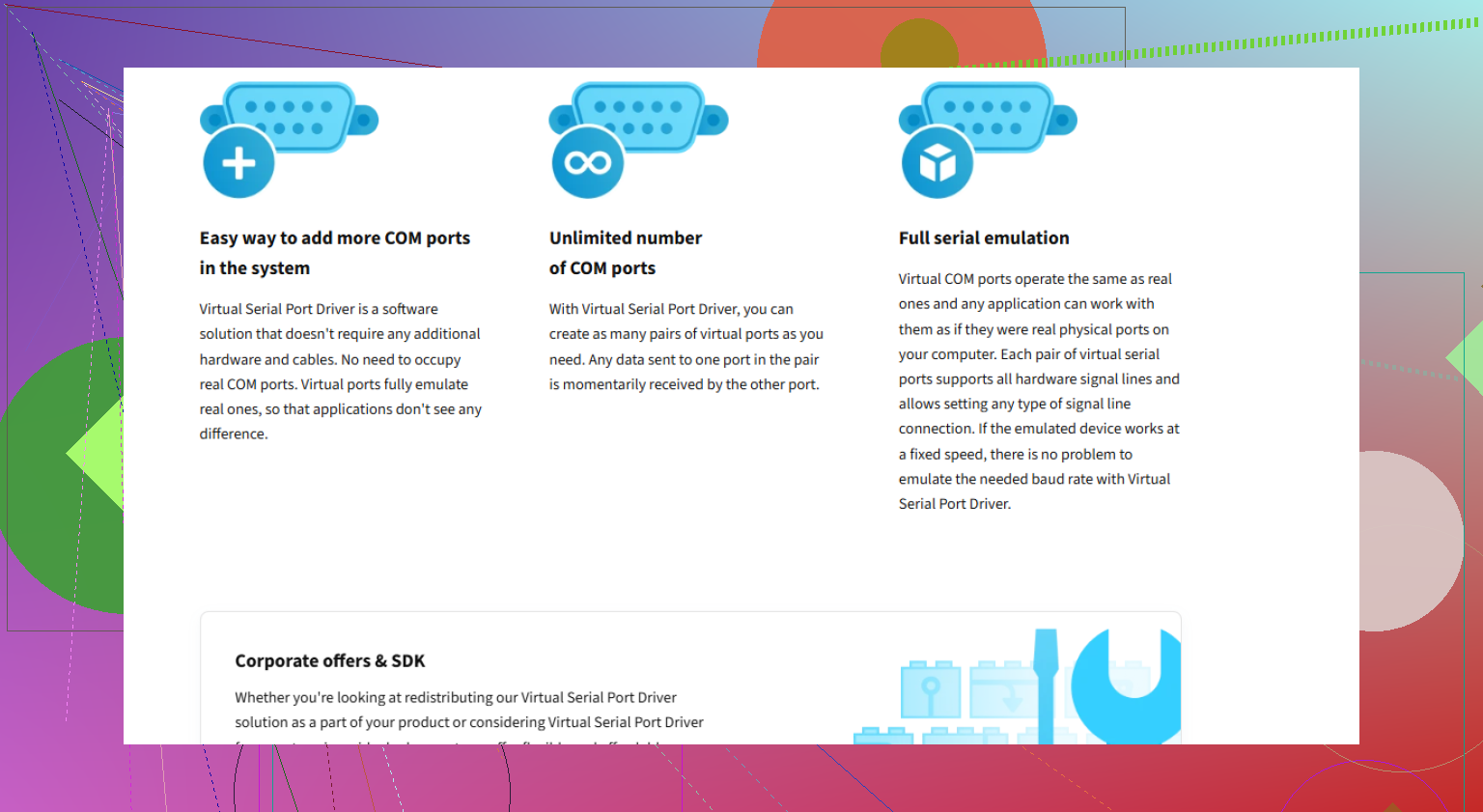
But, back to “Virtual Serial Port Driver”—it supports Windows 11, 10, and a bunch of previous versions, and lets you create, split, join, and manage an unlimited number of paired Windows virtual COM ports. The UI doesn’t look like it was made in 1999, and the support’s legit.
If you want more details or a direct download, check it here: Get seamless serial port links for Windows.
Pro move: always double-check your chosen software supports the version of Windows you’re using (some old tools are dusty relics), and make sure nothing else is fighting for your chosen COM port numbers.
In summary:
- Want it to work and willing to pay? Get Virtual Serial Port Driver.
- Want free with potential for headaches? com0com.
- Need middleground or experimenting? VSPE and a prayer.
Enjoy your journey through Windows virtual COM port madness!
23 Likes
Wow, it’s honestly wild how in 2024 “Hook up two programs via virtual serial COM ports” is still a sidequest requiring legendary patience and often sacrificial coffee. @reveurdenuit hit all the usual suspects—Eltima’s Virtual Serial Port Driver, com0com, and VSPE. Just to be a little contrarian here: Eltima is def the gold standard in terms of reliability, but the price tag makes my wallet a bit queasy, especially for the occasional user. But hey, you do get a modern UI and headache-free installs.
But here’s my take: If neither com0com nor VSPE is playing nice, don’t sleep on FlexiHub—yeah, more $$, but it’s super slick for remote serial port work. Not ideal if you’re strictly local, but I can’t ignore the fact it sometimes works when others want to take the day off. Downsides? Subscription-based, so it’s a commitment. Also, Serial Port Splitter (also Eltima) if you want to do port mirroring, but sometimes overkill.
Hate to say it, but tinkering with HyperTerminal alternatives or old Visual Basic “null-modem cable” emulators is a rabbit hole best left in the early 2000s. And honestly, half the “free” options are just riddled with unsigned driver misery.
Best advice: if it’s even slightly mission-critical, grit your teeth and snag Virtual Serial Port Driver. If you can stand some DIY and troubleshooting, com0com can absolutely get it done (eventually). Keep Device Manager open and be ready to do battle with mysterious yellow exclamation marks.
Oh—and for anyone who stumbles across this and just wants a clean, safe way to set up those virtual serial links, check out setting up seamless virtual serial ports in Windows. Makes life so much easier and might save you a few fistfuls of hair.
Not going to pretend there’s a perfect, all-singing, all-dancing free solution, but at least the options have gotten slightly less barbaric over the years. Slightly.