I transferred a batch of files from one device to another, and some of them didn’t show up after the transfer finished. I’m trying to figure out whether they were skipped, corrupted, or moved somewhere else. I need help finding the right place to ask and what details I should include so I can recover the missing files.
If your drive suddenly shows up as RAW, I would not start clicking random fixes. I’ve seen people make it worse in ten minutes by running repair tools before figuring out what failed. Sometimes it’s file system damage. Sometimes the drive itself is starting to die. Those are two different problems, and the wrong move early on can cost you files.
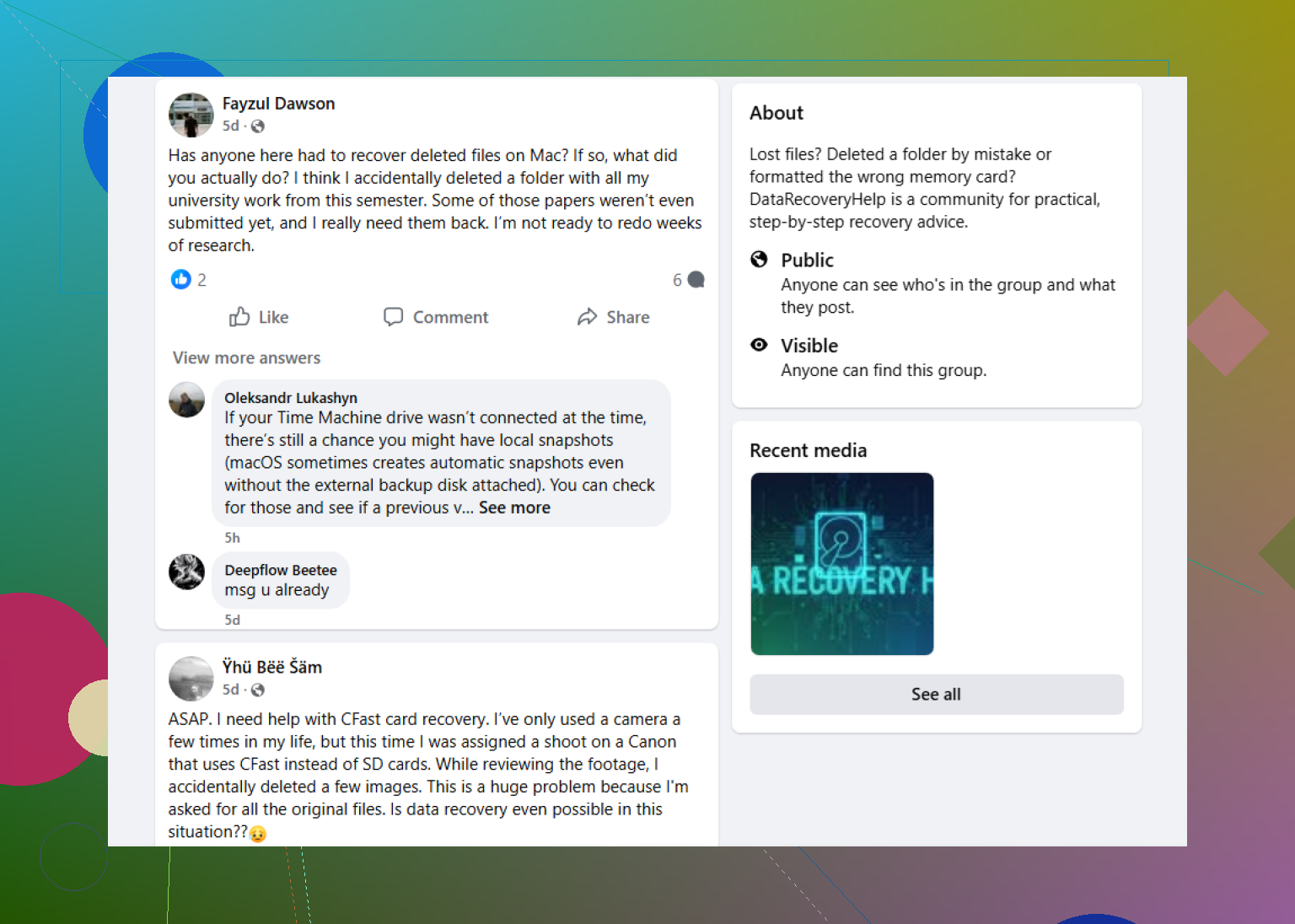
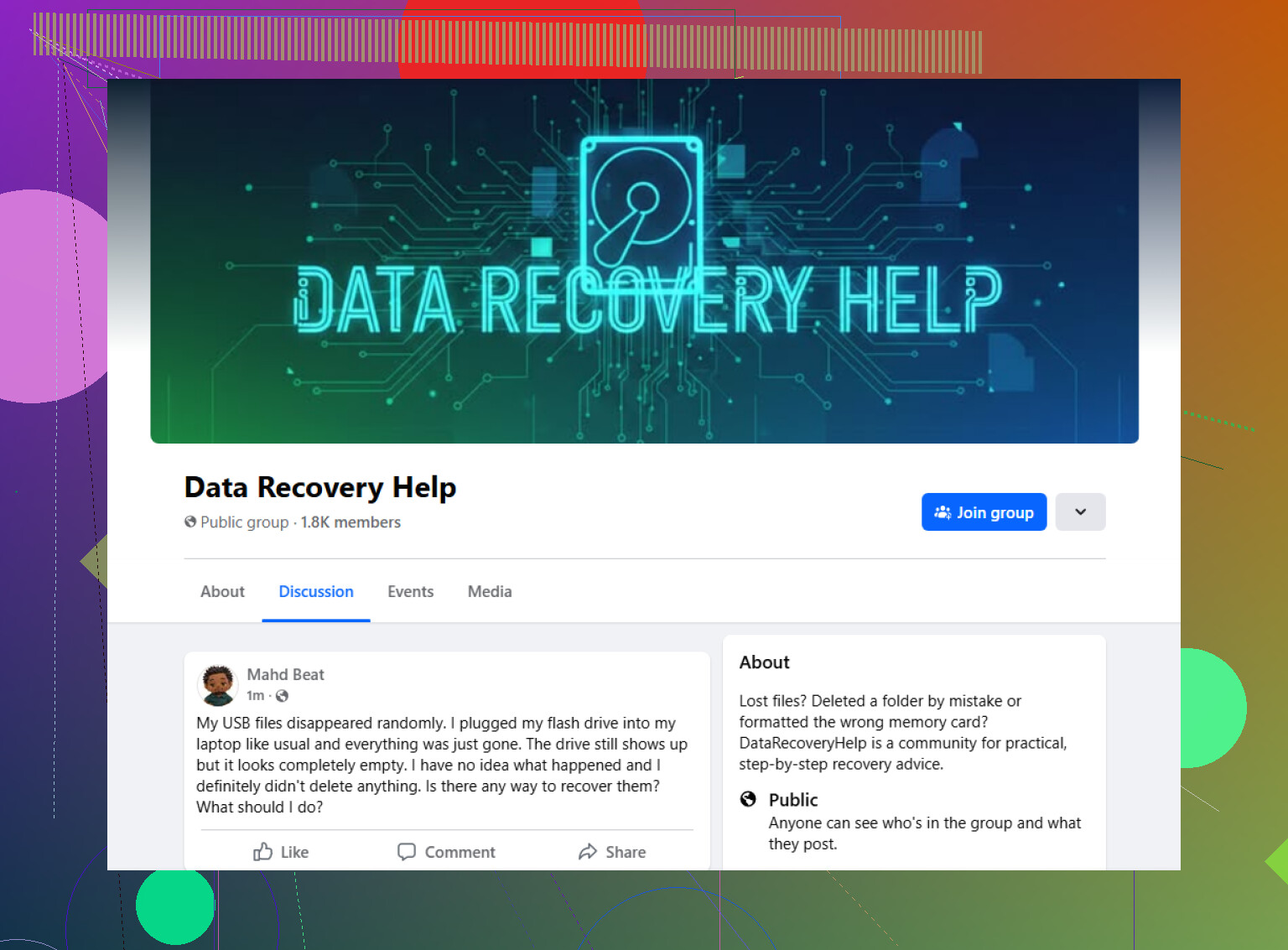
A decent first stop is this Facebook group:
https://www.facebook.com/groups/datarecoveryhelp
What I like about asking in a recovery-focused group is the format. You can post the full story, attach screenshots, and get replies from people who deal with RAW drives, bad sectors, busted partitions, and all the usual mess. That tends to work better than copying some generic guide telling you to run CHKDSK or format first and sort it out later. If your goal is getting the drive working again, fine. If your goal is getting your files back, those steps are often a bad bet.
Reddit is worth a look too, mostly for second opinions. There are people on recovery subreddits who know their stuff. There are also people who throw out risky advice with almost no context. I’ve read threads where one reply was careful and smart, then the next one was “repair it and see what happens.” So if you post there, give enough detail and don’t treat every answer like a green light.
Old-school tech forums are still useful, especially the ones where people go deep on disks, SMART errors, partition tables, and recovery scans. Those places are better if you’re ready to share technical info instead of a one-line “help, my drive is RAW” post. If you have Disk Management screenshots, SMART data, or scan results from recovery software, include them.
When you ask for help anywhere, post the basics up front:
What to include
- Drive type, HDD, SSD, external USB drive, SD card, flash drive
- Capacity
- File system, if you know it
- Your operating system
- What happened right before it turned RAW
- Whether the drive shows the correct size
- Any strange noises, clicks, beeps, spin-up issues
- Anything you already tried
Those details matter more than people think. A RAW USB stick after an unsafe removal is one thing. A clicking hard drive showing RAW is a different level of bad. If the data matters, slow down a bit first. That part saves people more often than any repair command I’ve seen.
6 Likes
Missing files after a transfer usually points to 4 things. The copy skipped errors. The files got hidden. The target path changed. The source had read issues.
First, stop doing more transfers. Don’t sync again yet. You want the current state preserved.
I’d check this in order:
- Compare file counts and total size on source vs target.
- Sort both folders by name and by date.
- Search the target drive for a few missing filenames, plus wildcard types like .jpg or .mp4.
- Turn on hidden files.
- Check free space. If space used looks right, the files might be there under a diff folder.
- Review the transfer app log, if it made one.
I slightly disagree with @mikeappsreviewer on one part. Reddit is not only for second opinions. For missing-file cases, a focused place like the data recovery community is often the faster start, espeically when you need people to spot whether this is a copy issue or early drive failure. Try Reddit help for missing files after transfer.
Post your OS, source device, target device, copy method, file count before and after, and whether any errors popped up. That info saves time.
I’d split this into two seperate questions before chasing fixes:
- did the transfer tool actually skip files
- is one of the devices starting to fail
That’s why I only partly agree with @mikeappsreviewer and @mike34. Recovery-focused places are useful, but for missing-after-copy cases, the best forum is the one where people will ask for the boring details nobody wants to type out. The best Reddit place for missing files after transfer help is pretty solid for that, and the data recovery community angle matters if the source drive had read hiccups during copy.
What I would post there is not just “files missing.” Post whether you copied or moved, and whether verify was enabled. That changes a lot. A move can remove source entries even when destination writes fail weirdly. A copy usually leaves cleaner evidence.
Also check stuff people forget:
- path length or filename issues
- illegal characters if this was cross-platform
- cloud sync rules if one side was synced storage
- transfer queue limits in the app you used
- permissions blocking certain folders
- case-sensitive naming conflicts
If this was from phone to PC or Mac to external drive, I’d honestly suspect naming/path weirdness before corruption. Happens way more than ppl think.
SEO-wise, the issue is basically this: missing files after transfer can happen because files were skipped, hidden, renamed, or never fully written to the destination. The most useful help usually comes from a data recovery community that can tell the difference between software copy problems and early storage failure.
If you ask anywhere, include exact error messages, whether the missing files are random or all from one folder, and whether the total used space on the destination looks too low. That last bit is a huge clue.