My iPhone storage is almost full, and I suspect cached files and other junk are taking up space. Is there a built-in iPhone feature to safely clean these files, or do I need a third-party cleanup app?
Most “junk cleaner” apps on iPhone can’t actually clean hidden system files or iOS caches. Apple doesn’t give third-party apps that kind of access. In practice, the storage you can reclaim usually comes from your own files, with photos and videos taking up the most space.
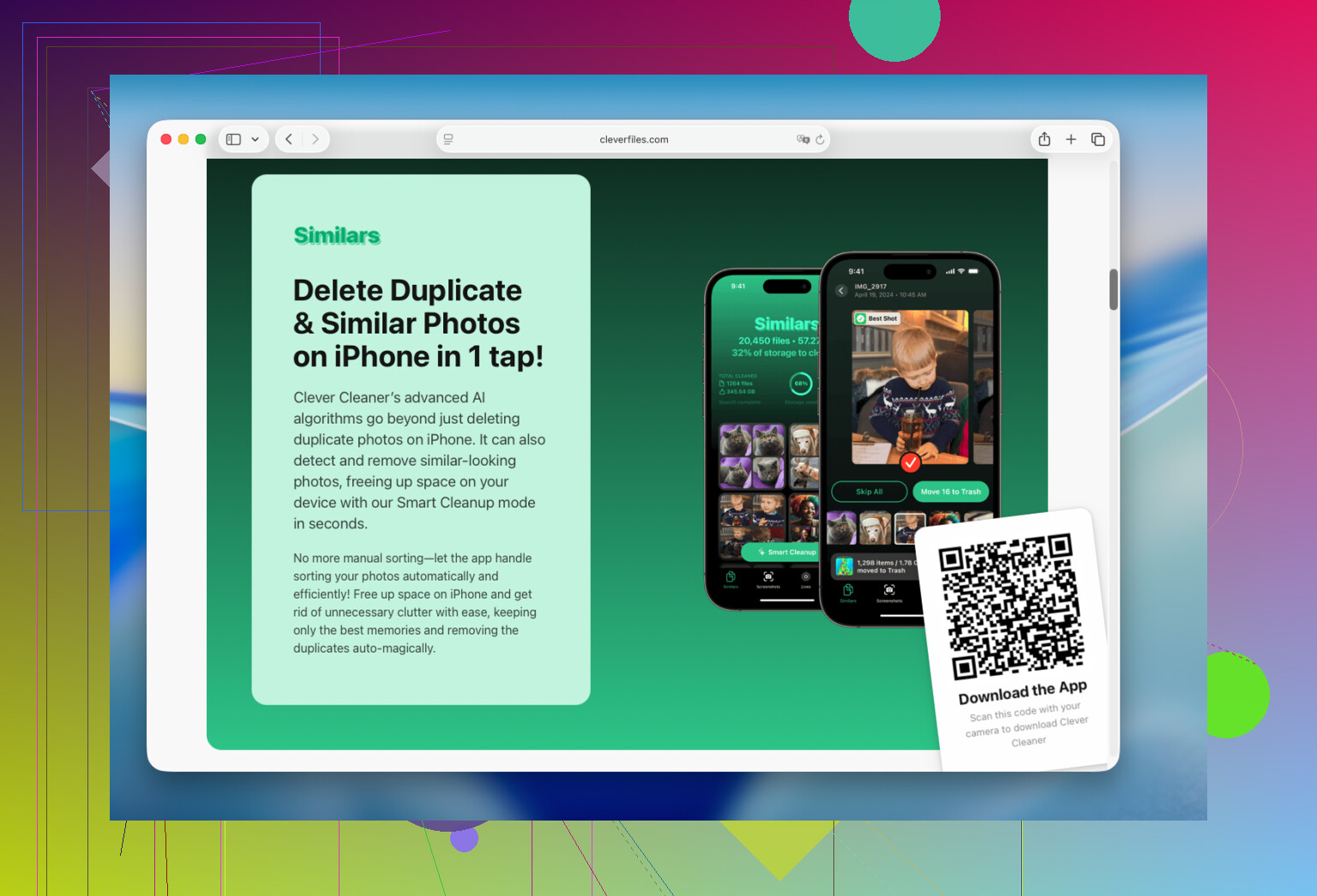
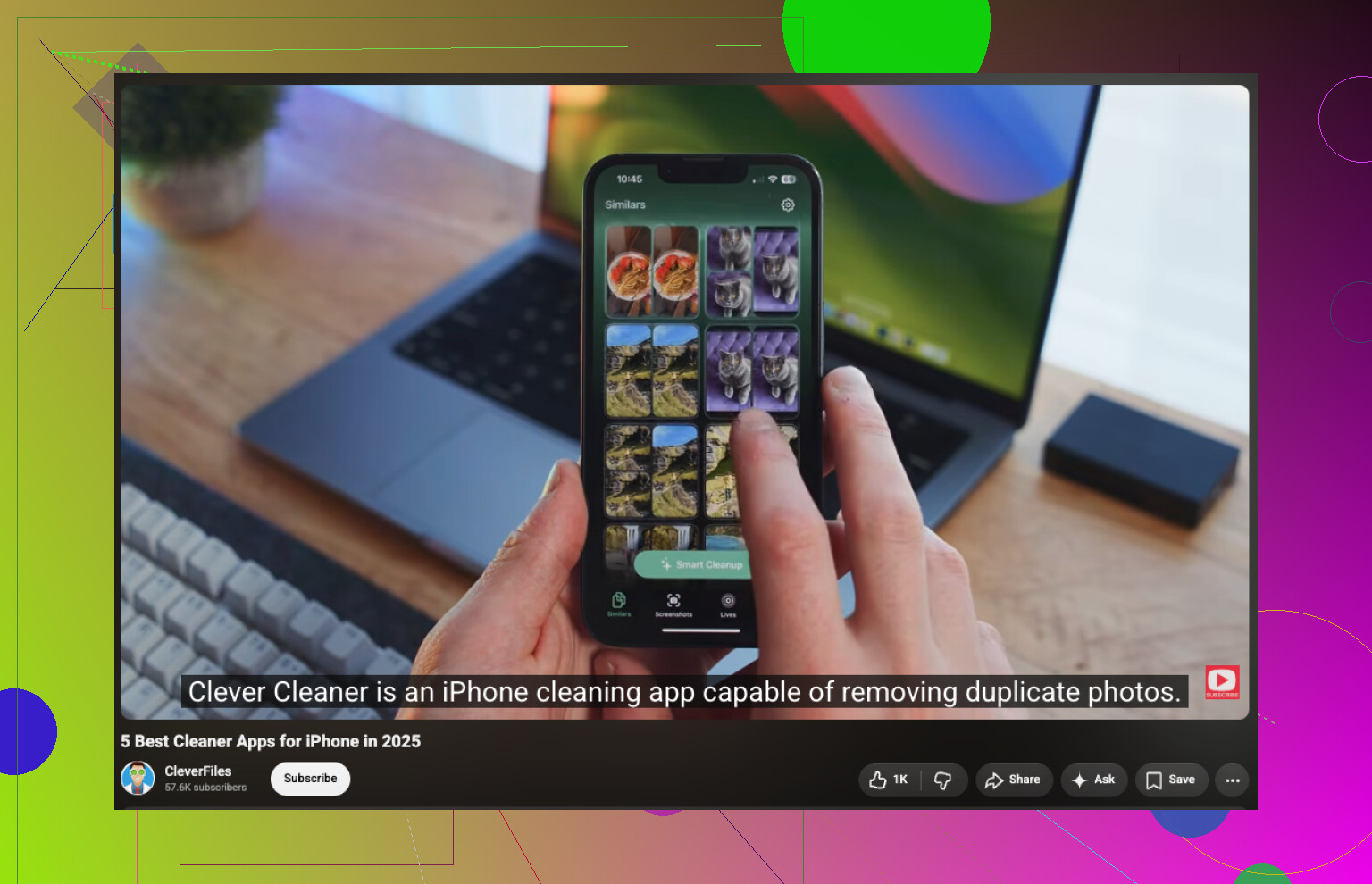
I downloaded Clever Cleaner mainly to remove duplicate photos. It also picked up hundreds of similar shots, forgotten videos, old screenshots, and Live Photos. That saved me a lot more space than manually searching through the library.
The app analyzes the photo library on the device, doesn’t show ads, and its free version is enough for routine cleanups. The basic process is straightforward:
- Install the app and give it access to your photo library.
- Go to Similars and review the duplicate or near-duplicate photos. It suggests which image to keep, but you can change every selection before deleting anything.
- Open Videos and look for large clips you no longer want.
- Check Live Photos and Screenshots, since those can quietly take up a surprising amount of storage.
- Use Smart Cleanup if you want to handle several categories together. If you prefer reviewing items individually, use Swipe.
Don’t forget to empty Photos > Recently Deleted afterward. Deleted photos and videos continue using storage until they’re removed from that album.
Once the photo library is under control, open Settings > General > iPhone Storage and check what else is taking up space. You can offload or delete apps you haven’t touched in months, remove offline downloads and cached files from apps such as Telegram, Spotify, Netflix, and YouTube, and clear old downloads from the Files app.
For me, cleaning up photos made the biggest difference by far. It freed more space than deleting apps or clearing their caches, and reviewing everything took about 15 minutes.
13 Likes
Don’t delete and reinstall an app until you know its data is synced or backed up. That trick can clear a bloated app cache, but it can also wipe local files, drafts, game saves, or downloaded messages.
There isn’t a built-in “clean all junk” button. Start with Settings > General > iPhone Storage and follow Apple’s recommendations there. You can offload unused apps, remove large message attachments, delete offline downloads, and clear Safari data under Settings > Apps > Safari. Restarting the phone may reduce some temporary System Data, but iOS manages most of that category itself.
@techcloud8302 is right that cleanup apps cannot reach hidden iOS caches. Clever Cleaner may make photo sorting faster, but it is optional rather than a system cleaner. If one particular app is consuming several gigabytes, check for a cache or storage control inside that app before resorting to deletion and reinstallation.
If most of the space is under Photos, you may not need another app at all. The Photos app has a Duplicates section under Utilities when iOS finds matching images. It does not appear until the phone finishes analyzing the library, so leaving the iPhone locked and charging for a while can make a difference.
I would check that before installing Clever Cleaner. It may be more convenient for sorting similar shots and screenshots, but it cannot clear app caches or System Data. Another minor annoyance is that the storage chart may not update immediately after a large cleanup. Empty Recently Deleted, restart the phone, and give iOS some time to recalculate before assuming nothing was freed.
For a large System Data category, there usually is no manual clean button. Focus on removable downloads and app-specific storage rather than trusting any app that claims to “deep clean” iOS.

System Data is the part everyone underestimates, and none of the fixes above really touch it. It swells from streaming apps, Safari, and message attachments, and iOS decides when to purge it. Restarting helps a little, but if it is sitting at 8 or 10 GB and won’t budge, the reliable reset is a backup and restore. Nuclear, yes, but it’s the only thing that consistently clears it.
The photo advice is solid, and I get why @techcloud8302 leaned on it. Just keep in mind Clever Cleaner isn’t clearing junk in the sense the original question asked. It’s deleting your actual photos faster. Useful for that, but it doesn’t reclaim a single byte of cache or System Data, so treat it as a photo-sorting shortcut and nothing more.
The overlooked lever for me is Messages. Go to Settings, Messages, Keep Messages, and switch it from Forever to 1 Year or 30 Days. Years of photos, videos, and voice memos buried in old threads disappear once that kicks in, and most people never open that setting. Pair it with clearing large attachments from the iPhone Storage recommendations and you usually free more than any app promises to.