I accidentally lost files from an exFAT external drive and realized I don’t have a backup anywhere. The drive still shows up, but some important folders are missing after a file transfer issue. What are the safest exFAT file recovery options to try without making the data loss worse?
If this is an exFAT external drive and the folder was just deleted, stop using the drive right away. Deleted files usually aren’t wiped instantly. A lot of the time, the space is just marked as available, so recovery is still possible as long as nothing new gets written over it.
The stuff to avoid matters more than anything at first:
- Don’t copy anything new onto that drive.
- Don’t format it, even if Windows pops up and suggests it.
- Don’t run CHKDSK before you’ve tried recovery.
- Don’t install recovery tools on the same external drive you’re trying to recover from.
I’d also rule out the easy Windows-side issues before running a full recovery scan. Search for the missing files normally, turn on Show hidden files in File Explorer, and check Disk Management to make sure the drive shows up with the right size.
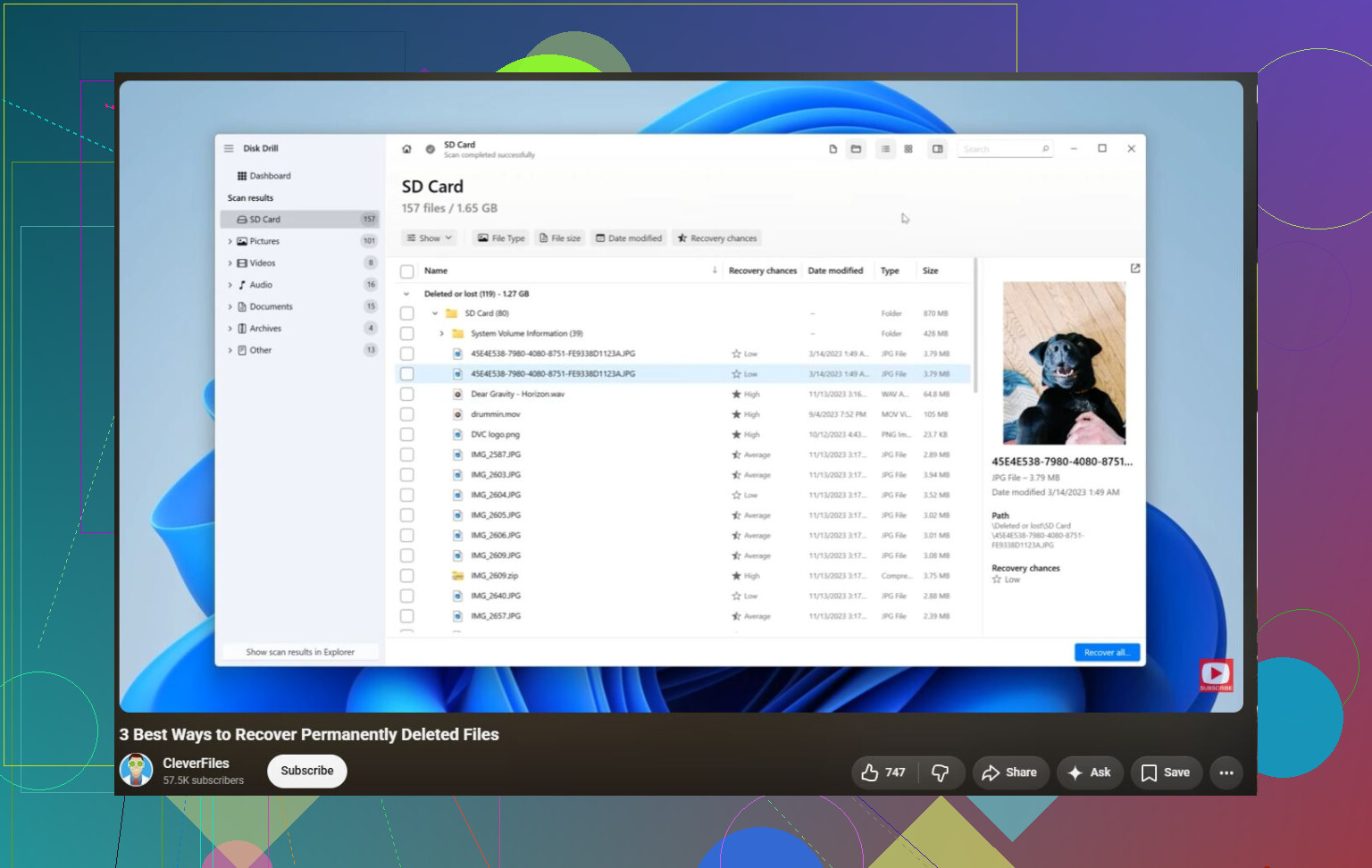
If the files really are gone, Disk Drill is worth trying. The safer way is:
- Install Disk Drill on your main computer, not the external drive.
- Plug in the exFAT drive.
- If the drive seems questionable, make a disk image first and scan that instead of the physical drive.
- Select the image and run Universal Scan.
- Let the scan finish completely.
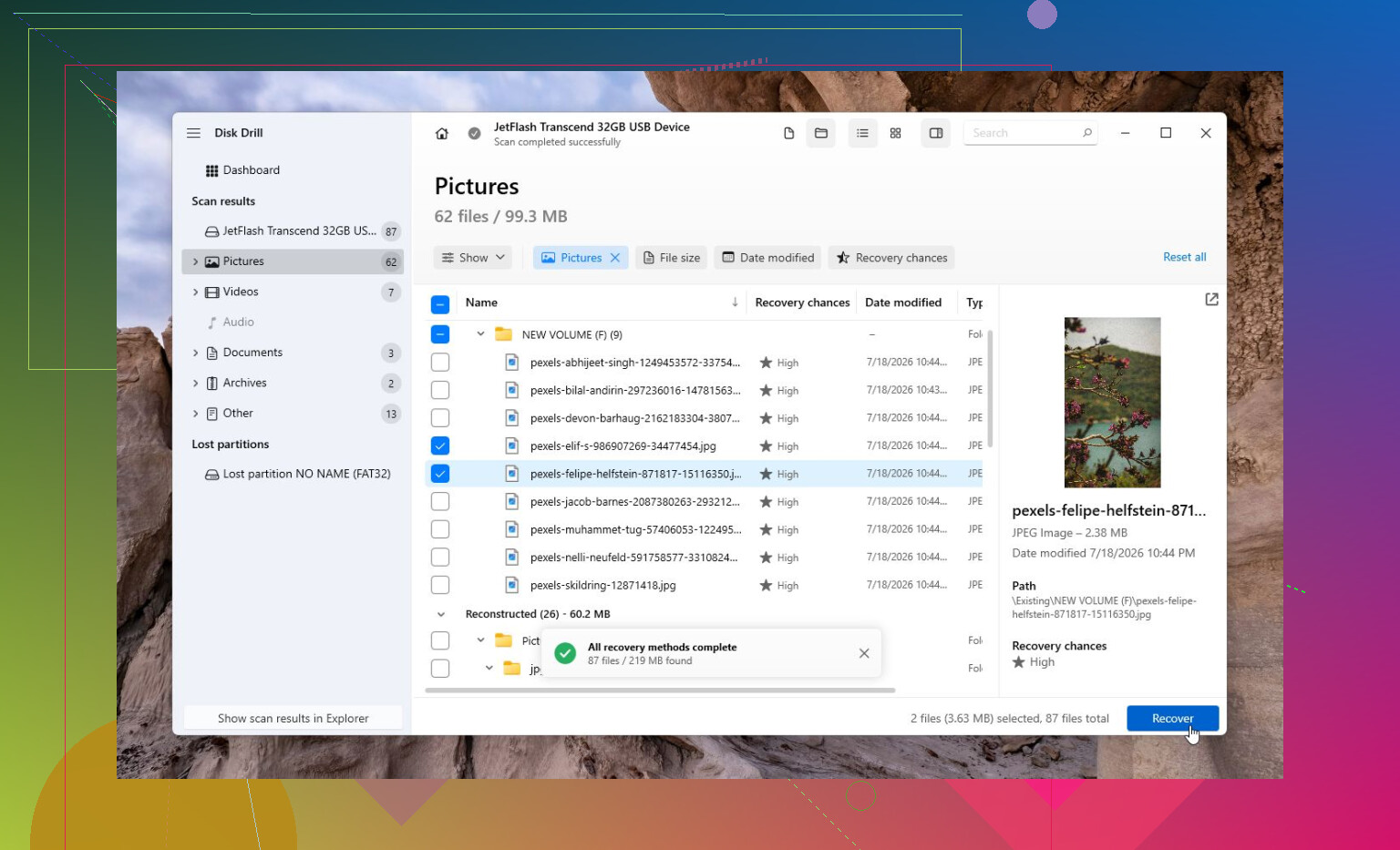
- Preview the found files so you can tell whether they’re actually intact.
- Recover them to a different drive, never back onto the same one.
The Windows version gives you 100 MB of free recovery, so you can at least confirm whether the files are recoverable before paying for anything.
For deleted camera or drone videos, Disk Drill’s Advanced Camera Recovery (ACR) can also help with fragmented video files that a normal scan may not rebuild properly.
If Disk Drill doesn’t turn up what you need, TestDisk is another option, especially when the exFAT partition is damaged rather than just missing files. It’s free, but it’s much less beginner-friendly.
One thing I wouldn’t mess around with is a drive that’s clicking, dropping connection, not showing up on multiple computers, or showing the wrong capacity. That points more toward hardware failure. In that case, shut it down and look at a professional recovery lab instead. Many will evaluate it for free, and the final cost can range from a few hundred dollars to over $1,000 depending on what’s wrong. For family photos or documents you can’t replace, that may be the safer route.
3 Likes
Whether the transfer failed while copying or while moving matters, because a failed move can leave files split between the old drive, the new drive, and sometimes a temp or renamed folder.
Search both drives for a few exact filenames first. If nothing turns up, then stop touching the exFAT drive and scan it from another computer or another disk, recovering only to a separate drive.
The annoying catch with exFAT recovery is that “found” does not always mean “found with the same folder structure.” You may get files back with weird names or dumped into type-based folders, especially if the directory entries got damaged during the transfer. So yes, recovery without a backup is possible, but judge tools by previewing the actual files, not by the big number of files found. I’d follow @reveurdenuit’s point about searching both source and destination first, then stop using the drive. If you scan with Disk Drill or anything else, recover a small sample to another disk and open it before paying or committing hours to a full restore. If the missing stuff is documents/photos, odds are decent. If it is huge videos or project files, expect more broken or partial results.
A deleted folder on a spinning external hard drive is a very different case from a deleted folder on an external SSD, because TRIM can make recovery basically hopeless once it runs. The advice above about stopping writes and recovering to another disk is right, but before spending time with Disk Drill or anything else, figure out whether this is HDD or SSD.