I’m trying to share a USB scanner with multiple computers on my Ethernet network but can’t find a reliable software solution. Anyone have recommendations or experience with network scanning tools that work well? My current setup only lets me scan from the PC directly connected to the scanner, which isn’t ideal for my office.
Ha, sharing a USB scanner over a network isn’t nearly as plug-and-play as we all hope. Basically, USB devices like scanners are stubborn—they want to stay glued to the one machine they’re physically attached to. There’re a few options that work (and a ton of headache-inducing ones that almost do):
-
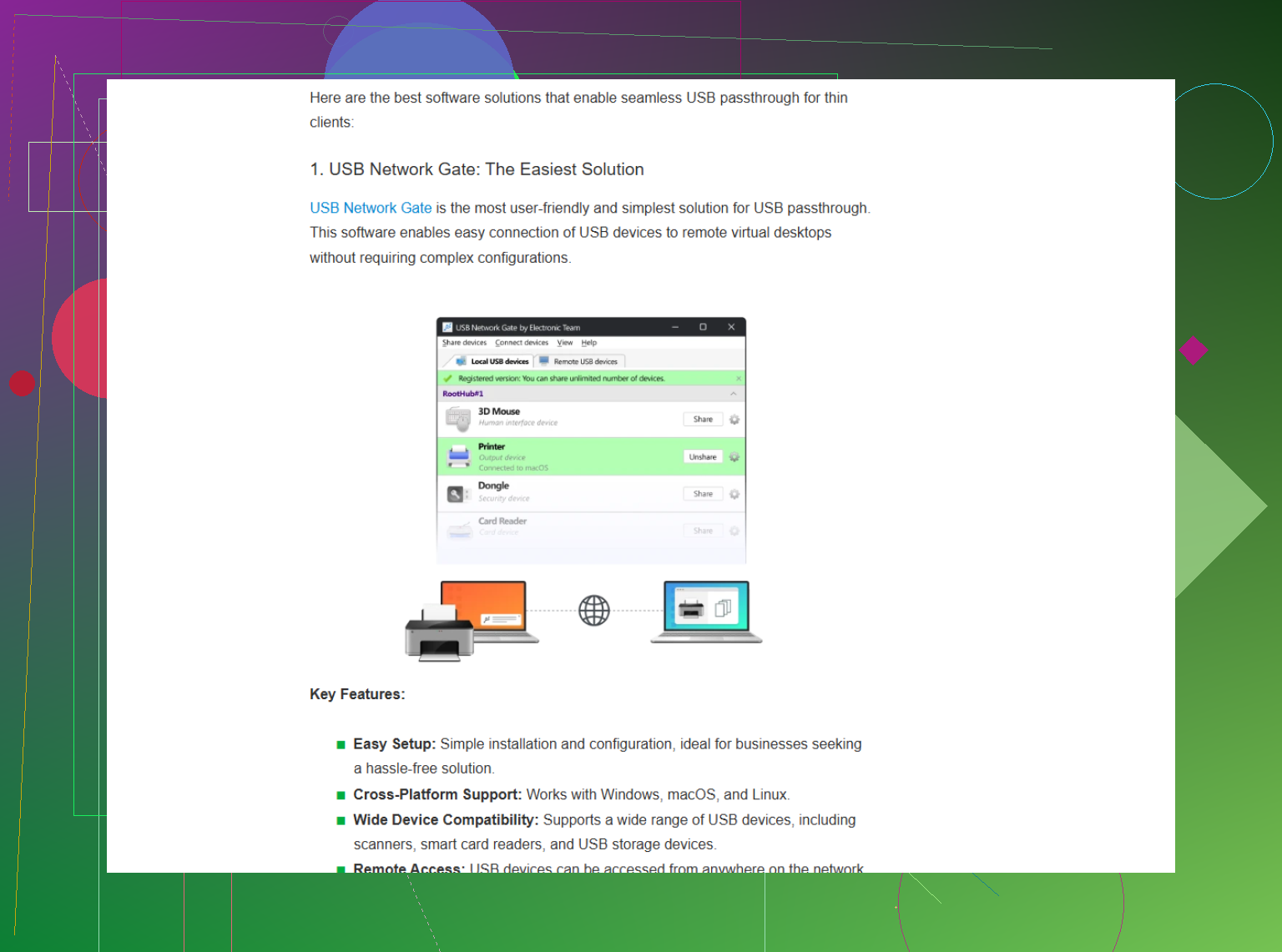
Dedicated Scanner Sharing Software: Tools like USB Network Gate or FlexiHub let you share your local scanner over LAN/WAN, so any other PC can access it like it’s plugged in directly. Downside: they’re paid. Upside: they mostly work unless your scanner is ancient or unsupported (which, if you’ve got a scanner, is not unlikely).
-
Scan-to-Email or Network Drive (if supported): Many modern scanners or MFPs (Multi-Function Printers) have built-in scan-to-email or network folder abilities. With that, you don’t need any special software, just network configuration. But if your scanner is USB-only and doesn’t have those features, back to square one.
-
A Cheap Raspberry Pi Hack: Use a Pi as the “host” for your USB scanner, set up SANE (Scanner Access Now Easy) on it, and share it via your network. Your other computers can then use SANE to access the scanner over TCP/IP. It’s fiddly, but a one-time config slog.
-
Remote Desktop as a Band-Aid: Just remote into the computer attached to the scanner when you need it. It’s ugly, clunky, but sometimes, for rare scanning needs, it’s the least bad way.
Real talk: Windows “sharing” for scanners still sucks. Also, maker software is usually not network-aware unless you’re dropping $$$ on office equipment. If you want a deep dive from someone who already did all the hair-pulling and cursing for you, check out this take on figuring out how to share a USB scanner over Ethernet—surprisingly honest, covers what actually works and what doesn’t.
TL;DR: Invest in software if you scan a lot, consider a Pi if you’re handy, or just use remote desktop for quick jobs. At some point you might decide a cheap network-enabled scanner is less trouble than wrangling all this, but hey, who am I to judge a classic Epson?
20 Likes
Props to @cacadordeestrelas for the deep dive, but I’ll toss in another angle: most of those “USB-over-network” apps are clunky as hell, especially if you’re running anything but a super vanilla Windows setup. Paid, sure, but sometimes still unreliable, especially if drivers get picky. You end up doing driver voodoo more than actual scanning.
Here’s a personal rant: I tried every “sharing” workaround under the sun and, no lie, spent HOURS fiddling with firewalls, admin privileges, arcane Windows settings, even registry hacks. The only method that kinda worked for me—other than straight remote desktop—was running a tiny VM on the machine with the scanner attached, then accessing THAT over RDP. It’s Frankenstein, but at least it keeps the drivers happy and isolates one computer’s weirdness. Still, it feels more like a proof of concept than a daily solution.
Frankly, if you scan more than once a week and your machine isn’t a server you wanna leave running 24/7, just buy a cheap network-enabled unit and skip the drama. Slogging through “hacks” just to hear the scanner whirr twice a month? Been there, big regret.
If you’re really determined, though, check out this tool for a simpler approach: easily share your USB devices across your network. It’s much more straightforward, doesn’t involve RPi setups or endless config filestinkering. And it is free for 1 USB device.
Still—sometimes the juice just ain’t worth the squeeze. Scanners are stubborn, and twenty years on, Windows still acts like it’s new to the concept of sharing.