If iCloud storage headaches were a sport, we’d all be competing in the frustration Olympics. @kakeru did a great job breaking down the usual suspects like photos, apps, and messages—but let me throw in a few different ideas to clear that space before you reluctantly sell your soul to Apple for more storage.
1. Optimize Photos
Instead of manually managing photos and videos, enable “Optimize iPhone Storage” in Settings > Photos. This keeps lower-res versions on your phone while the high-res ones are in iCloud. It’s like decluttering your garage but imagining you still own a luxury yacht docked miles away. Winning.
2. Manage Documents in iCloud Drive
iCloud Drive is sneaky and hoards files from apps like Pages/Numbers. Check your iCloud Drive via Files app or Settings > Apple ID > iCloud > Manage Storage > iCloud Drive. Clear out old stuff you forgot existed. Pro tip: Compress bulky files before uploading them back.
3. Offload Unused Apps
Go to Settings > General > iPhone Storage, and check out which apps are eating space. Instead of just deleting, “Offload” these apps. You keep all your data while the app is temporarily removed—perfect for apps you rarely use.
4. Audit Family Sharing Plans
If you’re in a Family Sharing group, clue everyone in that their backups, photos, and files are taking up SHARED storage. (Looking at you, Dad, with your 1-hour fishing montage videos.) Setting limits or literally reminding them to clean up can indirectly free space for you.
5. Clear Safari Cache
Even though it doesn’t take up MASSIVE space, clearing your Safari cache (Settings > Safari > Clear History and Website Data) can prevent your iCloud from becoming overcrowded with “digital crumbs.” Every little bit counts, right?
6. Ditch Old Notes and Voice Memos
Notes and Voice Memos sync automatically unless you disable it. Go through those random “to-do” lists from 2017 or embarrassing karaoke sessions you recorded for some reason. Eliminating unnecessary ones could surprise you.
7. Consider Third-Party Solutions
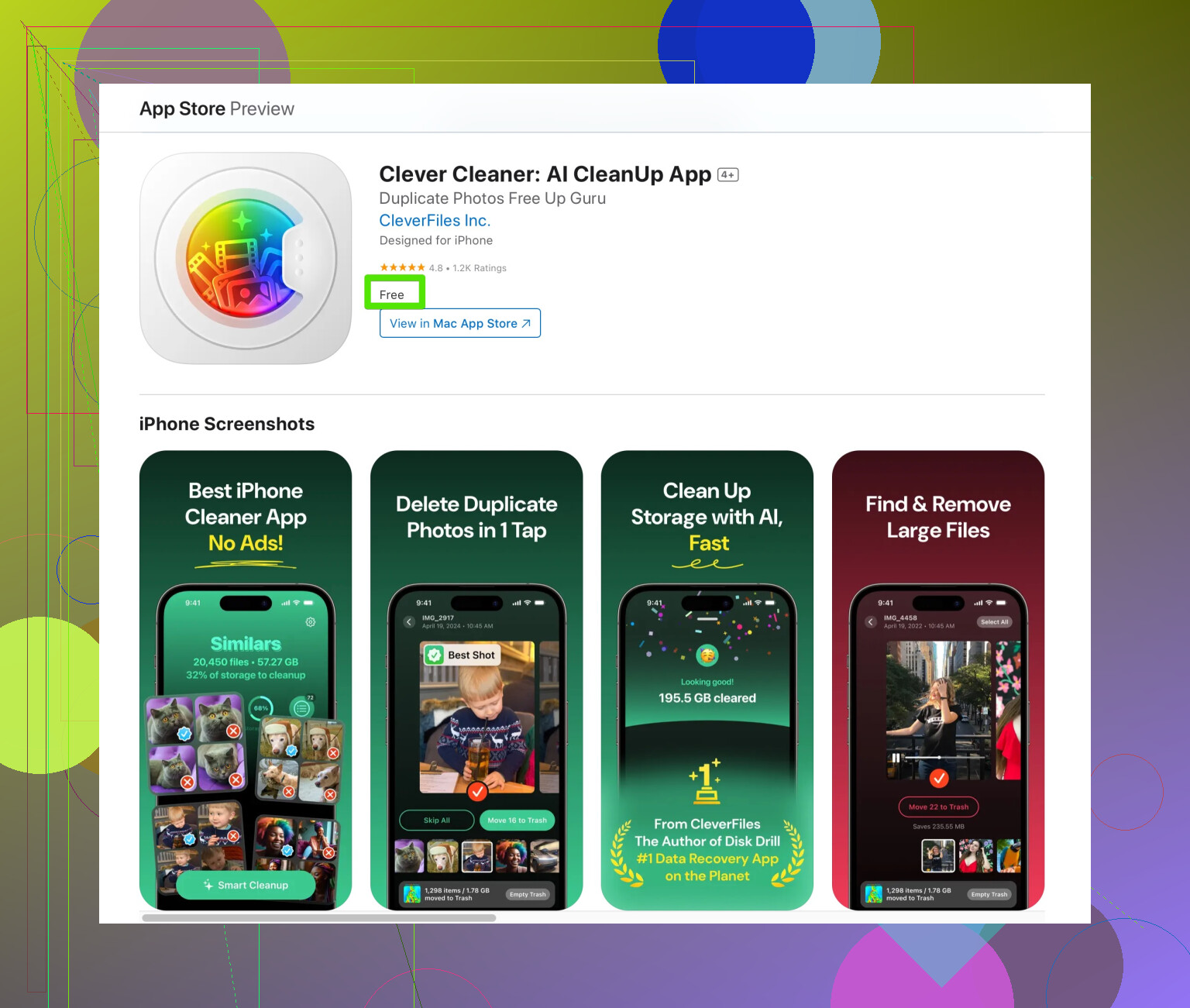
Let’s talk tools! If you hate doing this stuff yourself, a specialized app like the Clever Cleaner App for iPhone might be exactly what you need to quickly find duplicates, big files, and useless data without all the micromanagement. It does the heavy lifting so you can go binge-watch something instead.
One thing I have to challenge from @kakeru’s post though: “Goodbye emails”? Sure, clearing trash/spam helps minimally, but let’s not shift the blame to poor Gmail when the real culprits are group chat memes and live photo gifs. Priorities, people!
And if Apple STILL has you in a chokehold after all this, well…say hello to that $0.99 a month for iCloud+. It’s capitalism’s way of saying you’ve grown too successful to stay in the “free” tier.