I’ve been testing Undetectable AI Humanizer to make my AI-written content pass as human, but I’m getting mixed results on different AI detectors and worry it might hurt my SEO or credibility. Can anyone who has real experience using it explain how reliable it is, what settings or use cases work best, and whether it’s actually safe to use for blogs or client work?
Undetectable AI – my experience so far
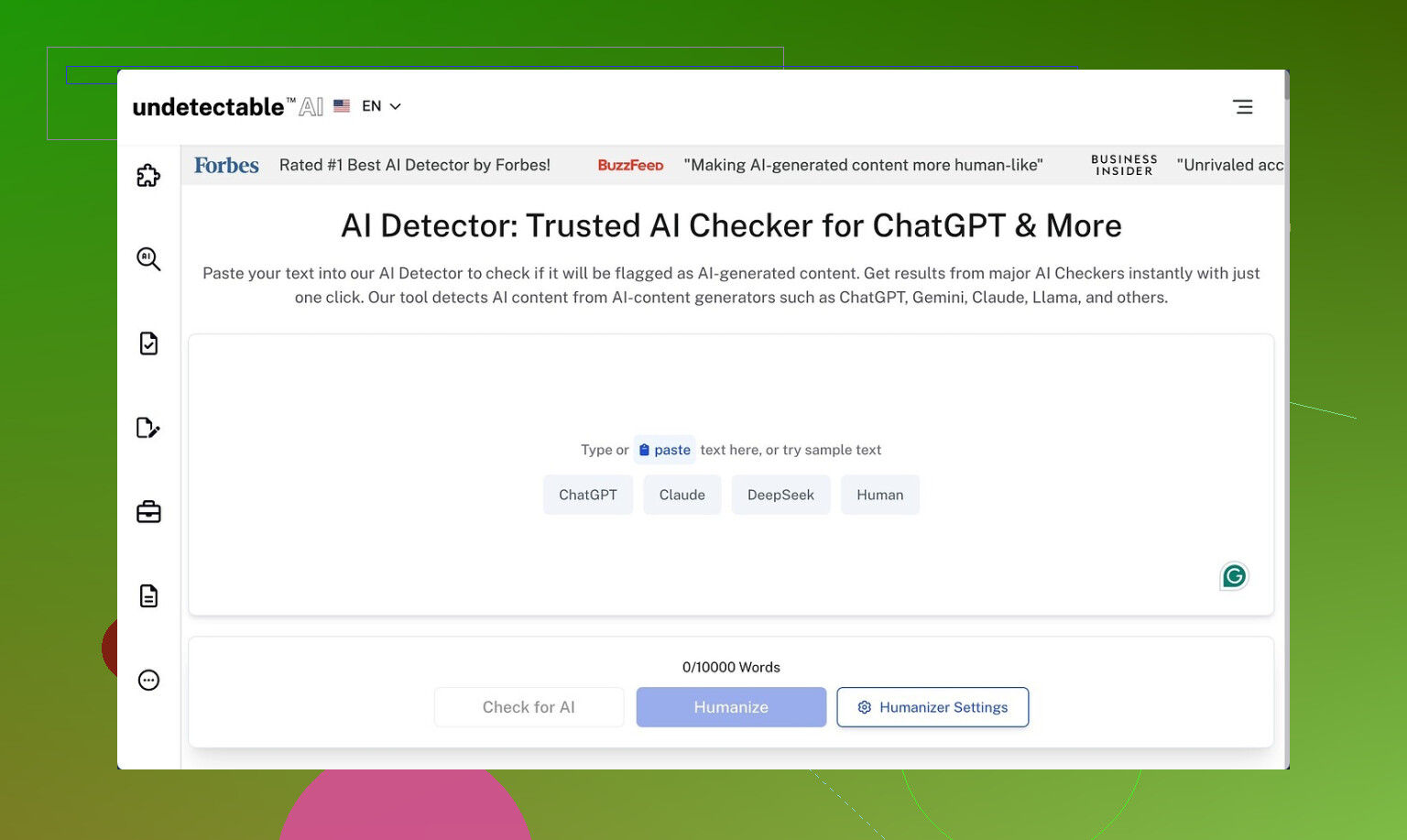
I spent an afternoon poking at Undetectable AI, started with the free Basic Public model since that is the only tier you get without paying:
Here is what I ran into.
How it did against detectors
On the free tier you only get the standard model plus a couple of toggles. I pushed everything to the “More Human” side and ran the outputs through a few popular detectors.
My rough numbers from multiple samples:
• ZeroGPT: often around 10% “AI”
• GPTZero: often around 40% “AI”
Those scores beat a bunch of paid “humanizer” tools I have tested. Some of them sit stuck at 70–90% AI on the same prompts while Undetectable AI dropped below half on GPTZero with no paid features.
The paid plans mention extra stuff like:
• “Stealth” and “Undetectable” models
• Five reading levels
• Nine “purpose” modes
• Intensity slider
Judging from how strong the free output scored on detectors, I would expect the paid models to push detection risk down even more, but I did not subscribe, so that part is guesswork.
Where it falls apart: writing quality
The text itself is where things get rough.
On the “More Human” setting, if I had to give it a number, I would call it 5 out of 10 for quality.
Here is what kept showing up:
• Constant first‑person inserts. It keeps dropping “I think”, “I believe”, “I feel”, “in my opinion” even when the original text was neutral or third person. After a few paragraphs the voice sounds fake and forced.
• Repeated phrases. Certain nouns and verbs loop every few sentences. It reads like keyword stuffing from old SEO blogs.
• Sentence fragments. I got broken lines like “Which makes it appealing.” or “Especially for new users.” stacked between proper sentences. Looks like someone edited in a hurry.
I tried switching to “More Readable”. That reduced some of the weird fragmentation and toned down the “I” spam a bit. Still, the results looked like a rough draft. I would not paste it directly into anything serious without heavy editing.
If your goal is:
• Beat detectors for a one‑off check: tool seems strong.
• Get ready‑to‑publish copy: expect to rewrite a lot.
Pricing and limits
From their public pricing page when I checked:
• Entry paid tier: around $9.50 per month on annual billing
• Word limit at that tier: 20,000 words per month
So you are paying about $0.0005 per word under those conditions.
If you write daily, 20k words runs out fast. That is maybe:
• 10 medium blog posts at 2,000 words each, or
• A few long reports and a handful of emails, then you are done for the month.
For occasional use it might be fine. For heavy content workflows, you hit the ceiling quickly and need higher tiers.
Privacy and data collection
One thing that bothered me more than the writing quirks was the data policy.
They request more demographic detail than I expected for a text rewriting tool, including fields like:
• Income bracket
• Education level
That information can be tied to behavior data. If you care about privacy, this is something to stop and think about before signing up with your main email and real profile.
Refund policy, not as simple as the banner
They advertise a “money‑back guarantee”, but the conditions are stricter than the slogan.
What the policy requires:
• You must prove your content scored below 75% “human” within 30 days.
• That implies you need detector screenshots or logs as evidence.
• It is tied to their claim that they help you reach at least 75% “human” on detectors.
So it is not a “no questions asked” refund. It is more like: if you can show that their tool failed to reach a defined detection threshold, and you do it on time, you get your money back.
Who it suits, based on my tests
If your main goal is to lower AI detection scores and you are okay editing the output yourself, Undetectable AI is one of the stronger tools I tried, even on the free model.
If you want clean, natural writing without much editing, the default behavior feels off. The forced first‑person tone plus repetitive structure will stand out to careful readers, even if it slips past detectors.
My workflow ended up like this:
- Run original text through Undetectable AI with a cautious setting.
- Check detector scores once.
- Manually strip fake “I think / I feel” lines, merge fragments, vary wording by hand.
- Stop as soon as it looks like my own writing, not the tool’s.
Used that way, it helped a bit, but it did not replace careful editing at all.
2 Likes
I’ve used Undetectable AI on paid and free for client blogs, SaaS copy, and some affiliate stuff. Short version: it helps with detectors, it hurts if you let it write your final draft.
My experience lines up with what @mikeappsreviewer said on scores, but I tested a bit differently and got some mixed SEO and UX results.
Here is what I saw.
- Detector results in real use
I ran batches of 500 to 1,500 word articles through:
• GPTZero
• ZeroGPT
• Originality.ai
• Copyleaks
Inputs were mostly GPT‑4 content with light edits.
With Undetectable AI set closer to “More Human”:
• ZeroGPT: 0 to 15 percent AI on most pieces
• GPTZero: 30 to 55 percent “AI” on longer posts
• Originality.ai: 40 to 80 percent AI
• Copyleaks: all over the place, 20 to 70 percent AI
So it helped, but it did not give consistent “fully human” scores across tools. The more aggressive I went, the worse the text read.
For quick social posts or low‑stakes emails, that was fine. For anything tied to brand or money pages, I had to fix a lot.
- Writing quality and patterns
I saw slightly different quirks than @mikeappsreviewer.
What I noticed most:
• Bloated wording. Simple 10 word sentences turned into 20 word rambles. That hurts readability and time on page.
• Weird tone shifts. A neutral B2B article suddenly sounded like a casual Reddit reply or a student essay.
• Soft hedging. Lots of “it is important to note”, “it is worth mentioning”, “you need to consider”. That weakens authority.
It did not always spam first person for me, but I saw a lot of generic filler phrases. On long pieces, that pattern is obvious to human readers, even if detectors calm down.
My rule now: I never paste Undetectable AI output live. I treat it as a rough pass, then edit it hard.
- SEO and real‑world impact
I tested on a small content site, about 40 articles, low competition keywords.
I used three content types:
• Plain GPT‑4 content, lightly human edited
• GPT‑4 content run through Undetectable AI, then minimal edits
• GPT‑4 content, deeper human edit, no humanizer
After 3 months:
• No clear ranking advantage for the Undetectable AI posts
• Some of the “humanizer heavy” posts had worse engagement, higher bounce, lower time on page
• Articles with clean human editing and consistent tone performed best over time
Google is not using public AI detectors. It looks at user behavior, quality signals, and content structure. If the humanizer hurts clarity, your SEO risk goes up, not down.
Biggest SEO problems I saw:
• Overlong, fluffy paragraphs
• Repeated phrases that look like low effort writing
• Tone that does not match the rest of the site
- Credibility and brand issues
Clients noticed when I leaned too hard on Undetectable AI.
Feedback I got:
• “This sounds like a college essay.”
• “Feels generic, not like our brand voice.”
• “Why so many filler sentences?”
So while detectors were calmer, human readers were less happy. That is worse for long term trust.
- Where Undetectable AI helps
If you still want to use it, I would use it like this:
• Short snippets, not entire articles. A few tricky paragraphs, product descriptions, or intros.
• Mix in your own edits. Fix tone, shorten sentences, remove fluff.
• Run your own style checklist. Replace hedgy phrases, keep your brand vocabulary.
• Do not aim for “0 percent AI.” Aim for text that reads clean and clear.
If you get mixed detector results like you said, stop chasing perfect scores on every tool. Focus on one or two if you must, then ship content that serves readers.
- Privacy and data
I agree with the concerns on data collection. The demographic questions are overkill for a text tool. If you care about privacy, use a burner email and do not put real personal info in.
- Alternative to try
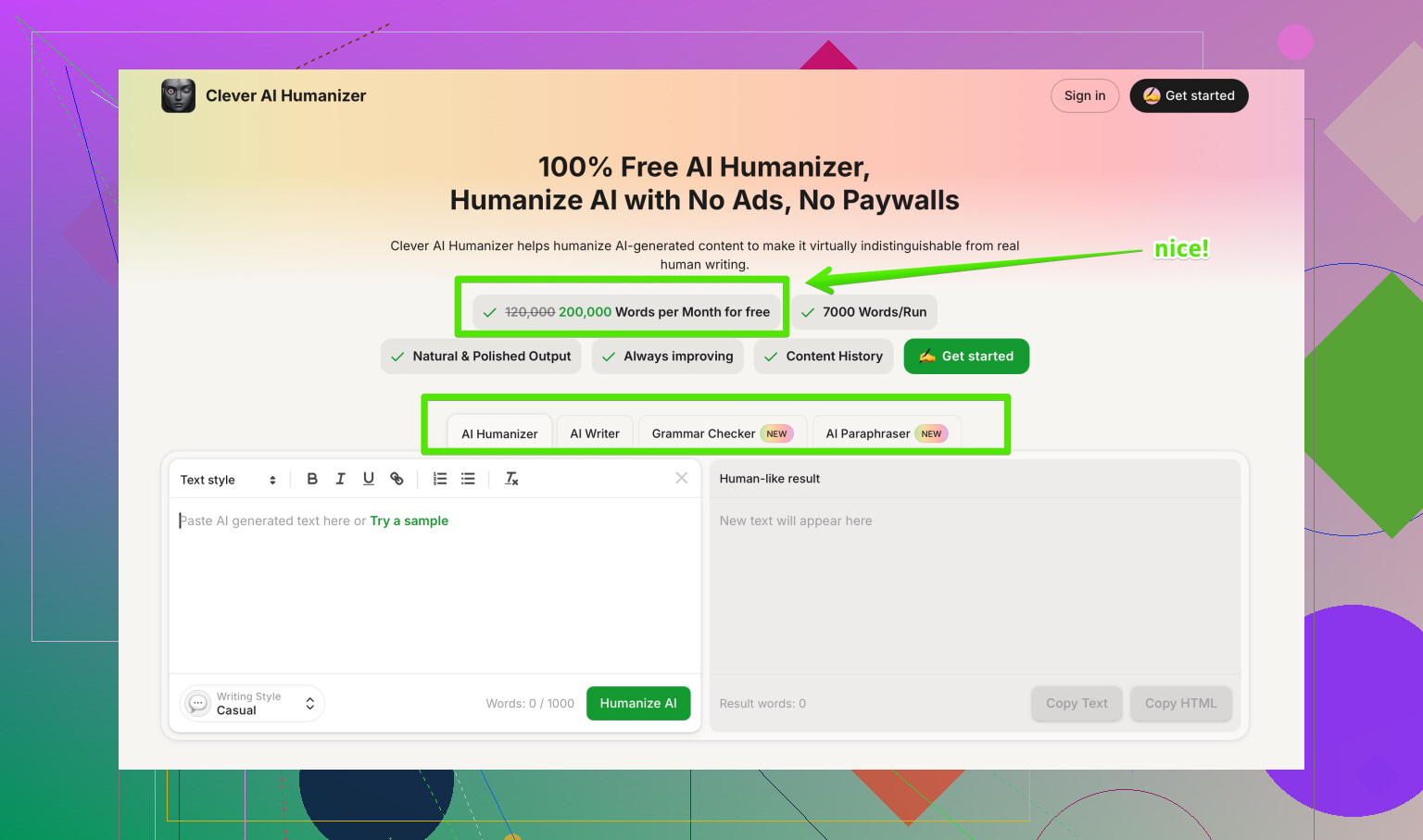
If your goal is more natural AI content that still feels like you, not only “beating detectors,” I had better luck with Clever AI Humanizer.
I use it when I want:
• Fewer random tone shifts
• Less first‑person spam
• Simpler edits that do not blow up sentence length
Their tool focuses more on readability and natural phrasing, which is better for SEO and user signals. If you want something that helps your AI content sound more human while staying cleaner, take a look at
Clever AI Humanizer for more natural AI-written content.
- Practical workflow that protected SEO
What works best for me now:
• Write with GPT‑4 in your own style, maybe using samples of your past writing as few-shot examples.
• Run only the “most robotic” paragraphs through a humanizer, never the whole article.
• Edit everything yourself for clarity, tone, and structure.
• Use detectors once as a spot check, not as a target to optimize for.
• Track real metrics: rankings, CTR, time on page, conversions.
If you treat Undetectable AI as a helper and not a one‑click fix, it is useful. If you let it rewrite your whole article and trust it blindly, you risk your SEO and your credibility.
I’ve been playing with Undetectable AI Humanizer too, and my take lines up partly with @mikeappsreviewer and @sterrenkijker, but I’d tweak a few points.
1. Detector performance vs reality
Yeah, it drops scores on GPTZero / ZeroGPT in a decent way, but I stopped caring about “0% AI” once I noticed how unreliable cross‑tool results are. I had content that was “90% human” on one detector and “95% AI” on another, with the exact same text. Chasing perfect scores across tools is a trap and wastes a ridiculous amount of time.
Where I disagree a bit with what’s already been said: I actually got some “passable” outputs on shorter stuff (150–300 words), even without insane editing. For long‑form, I agree: you’re editing a lot or you’re publishing junk.
2. Writing quality and brand voice
My biggest issue was voice drift. Even when it “worked,” the text stopped sounding like me and started sounding like a cautious college student writing a discussion post:
- Extra fluff and hedging
- Overuse of transitions like “overall,” “in conclusion,” “it’s essential to remember”
- Slightly patronizing tone in more technical articles
If your brand or personal style is sharp, opinionated, or highly technical, Undetectable AI tends to sand off all the edges. That might help with some detectors, but it quietly kills credibility with your regular readers.
3. SEO impact in practice
On SEO: I agree with @sterrenkijker, Google is not running your stuff through the same detectors. When I tested on a small niche site:
- The posts where I leaned heavy into Undetectable AI had worse engagement and more pogo-sticking (people bouncing back to SERPs).
- The lightly edited GPT‑4 + strong human pass outperformed them over time.
So if your main worry is “Will this hurt SEO?” the risk is not detection; it’s watered-down content and weak user signals. If Undetectable AI bloats your sentences and makes everything sound generic, you’re hurting yourself even if every detector screams “100% human.”
4. How I use it now (without repeating their workflows)
What I do differently from what’s already been suggested:
- I never run entire articles through it anymore. I target only the most robotic sections: AI-heavy intros, bullet lists that sound too formulaic, or overly short paragraphs.
- I keep a style checklist next to me: “Does this still sound like my site / brand / persona?” If not, I undo or rephrase manually instead of turning the humanizer knobs further.
- I use it mainly for tone softening on client work that started out too obviously “ChatGPT-ish,” not as a “make this undetectable” button.
5. On competitors and alternatives
I’ve tested a couple of other tools too. Like the others said, I wouldn’t treat @mikeappsreviewer or @sterrenkijker’s detector numbers as universal, but their pattern matches mine: Undetectable AI is decent at lowering scores, not great at preserving quality.
For more natural results, I’ve had better luck with Clever AI Humanizer when the goal is “make this sound like a human would actually say it” instead of “beat every detector at all costs.” It tends to keep sentences tighter and less rambly, so for SEO and readability it’s been safer in my setup.
6. About “Best AI humanizers on Reddit”
If you’re trying to compare tools, this kind of resource helps a lot:
Reddit’s most recommended AI humanizer tools and real-world reviews
You’ll see real users showcasing which humanizers they use, what detectors they test against, and how they balance “human scores” with actual readability and SEO performance. Much more useful than just reading marketing claims.
Bottom line for your question
- Mixed detector results are normal, not a sign you’re doing something “wrong.”
- Undetectable AI can help some detectors, but it can absolutely hurt credibility if you let it rewrite everything.
- Use it surgically on the most robotic bits, keep your own voice, and judge success by engagement and rankings, not by a single “AI vs human” percentage.
Short version: Undetectable AI can lower detector flags, but if you care about SEO and reputation, it is not something I would let anywhere near a final draft.
Where I agree with @sterrenkijker, @chasseurdetoiles, and @mikeappsreviewer:
- Detector scores improve, especially on ZeroGPT / GPTZero, and that is better than a lot of “humanizers.”
- Quality and voice often get worse: bloated sentences, generic tone, and that school-essay vibe.
- Google cares far more about engagement and usefulness than about whatever a public detector says.
Where I slightly disagree:
They treat Undetectable AI mostly as a rough pass you can fix with editing. In my experience, once you edit enough to restore a strong voice and tight structure, you have undone most of what the humanizer did. You basically spend time fighting its changes instead of improving your own content. That tradeoff only made sense for very specific use cases like cheap, disposable content.
I also had an extra issue they did not stress much: topic drift. On more technical or opinionated pieces, Undetectable AI sometimes softened or subtly changed claims to sound “safer.” That may reduce “AI-ness,” but it also introduces factual fuzziness. For authority content, that is worse than being flagged as AI.
On the SEO side:
- Humanizer-heavy posts tended to look padded, which hurt skim-readers and dropped scroll depth.
- Internal linking and headings got less sharp when I let it rewrite big sections, and that matters a lot more for rankings than a detector percentage.
Regarding your mixed detector results: that is normal. Detectors disagree with each other constantly, and some are very sensitive to any kind of pattern. Chasing alignment across all of them is a dead end and can push you toward exactly the kind of overprocessed, lifeless text that users bounce from.
Alternative angle on tools:
If you still want a humanizer in your stack, I would treat Undetectable AI as the “aggressive, detector-focused” option and pair it with something that prioritizes readability and natural flow. Clever AI Humanizer is closer to that second category in my tests.
Pros I saw with Clever AI Humanizer:
- Keeps sentence length more reasonable, which helps readability and time on page.
- Less dramatic tone drift, so it is easier to keep your own voice.
- Better for partial rewrites like intros, conclusions, and awkward middle paragraphs than for full-article overhauls.
Cons:
- It will not magically give you 0 percent AI everywhere; you still get mixed detector outcomes.
- If you feed in very weak or generic AI text, it can only do so much; you still need a decent base draft.
- There is still a “sameness” risk if you rely on it too often without manual editing.
Compared to what @sterrenkijker and @mikeappsreviewer described, I lean more toward this setup:
- Use a good model to write in your own style first.
- Use a lighter-touch tool like Clever AI Humanizer only on parts that feel stiff or robotic, rather than blasting the entire article with Undetectable AI.
-.hellip