My iPhone storage is almost full, and I already use iCloud, but it’s not freeing up enough space for photos, videos, and apps. I’m trying to figure out the best alternatives to buy or add more iPhone storage without relying only on iCloud. What options actually work?
I ran into this on my own iPhone, and the annoying part is how Apple words storage stuff. Paying for iCloud does not give your phone more built-in space. It gives you more online space for backups, photos, sync, and files. Your phone’s internal storage stays the same.
You also can’t add internal storage later. The storage chips are part of the phone’s board, so what you bought on day one is what you keep.
What helped me first was figuring out why the phone felt slow. On mine, low free space was a big part of it. When storage got close to full, simple stuff started dragging. Camera took longer to open. App switching felt rough. Even typing had a small delay. iPhones seem to need some free room to breathe.
The first place I checked was Settings > General > iPhone Storage. If you haven’t looked there in a while, do it. It shows what is taking space, app by app. On mine, the biggest chunks were photos, videos, and cached junk sitting under System Data.
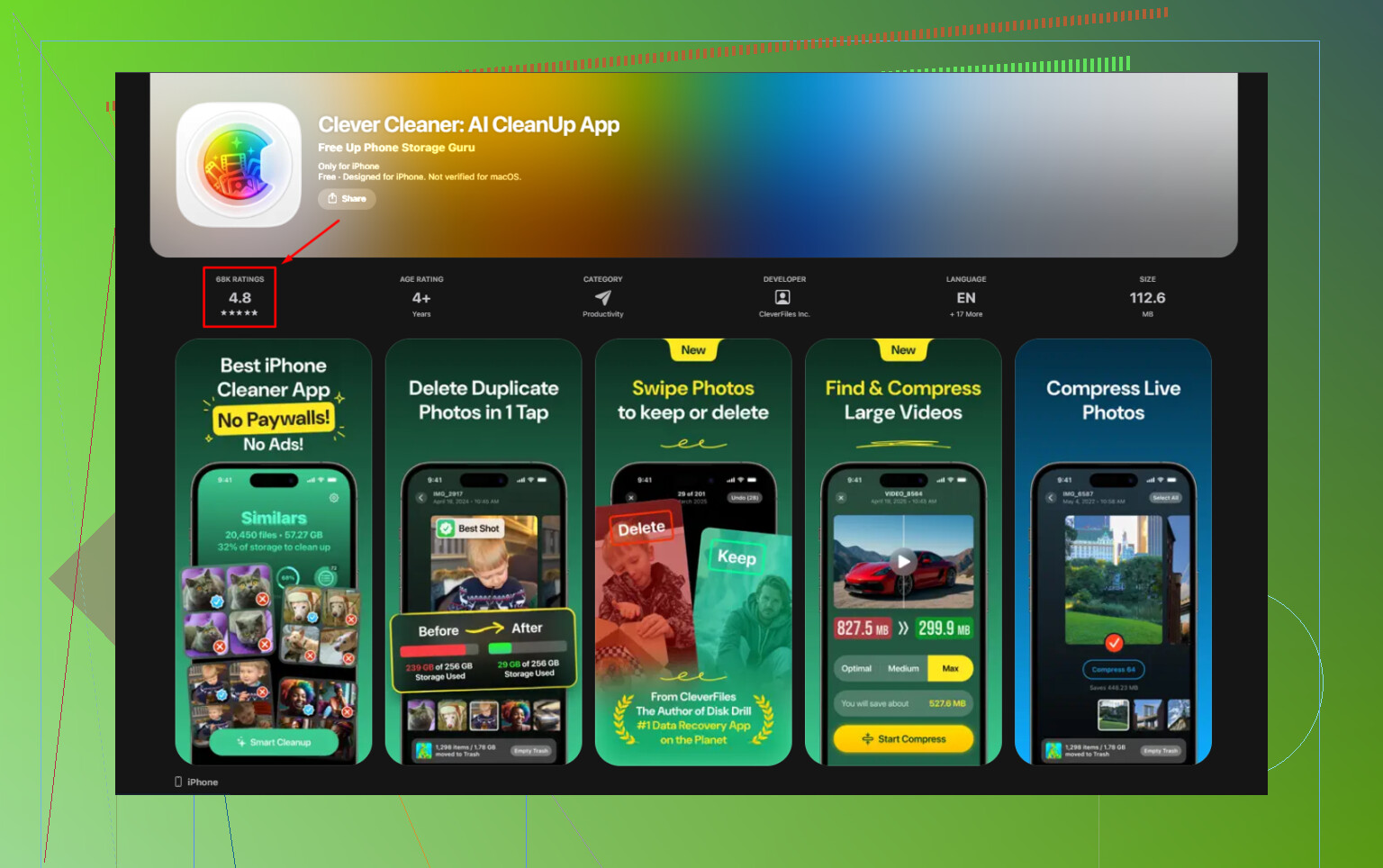
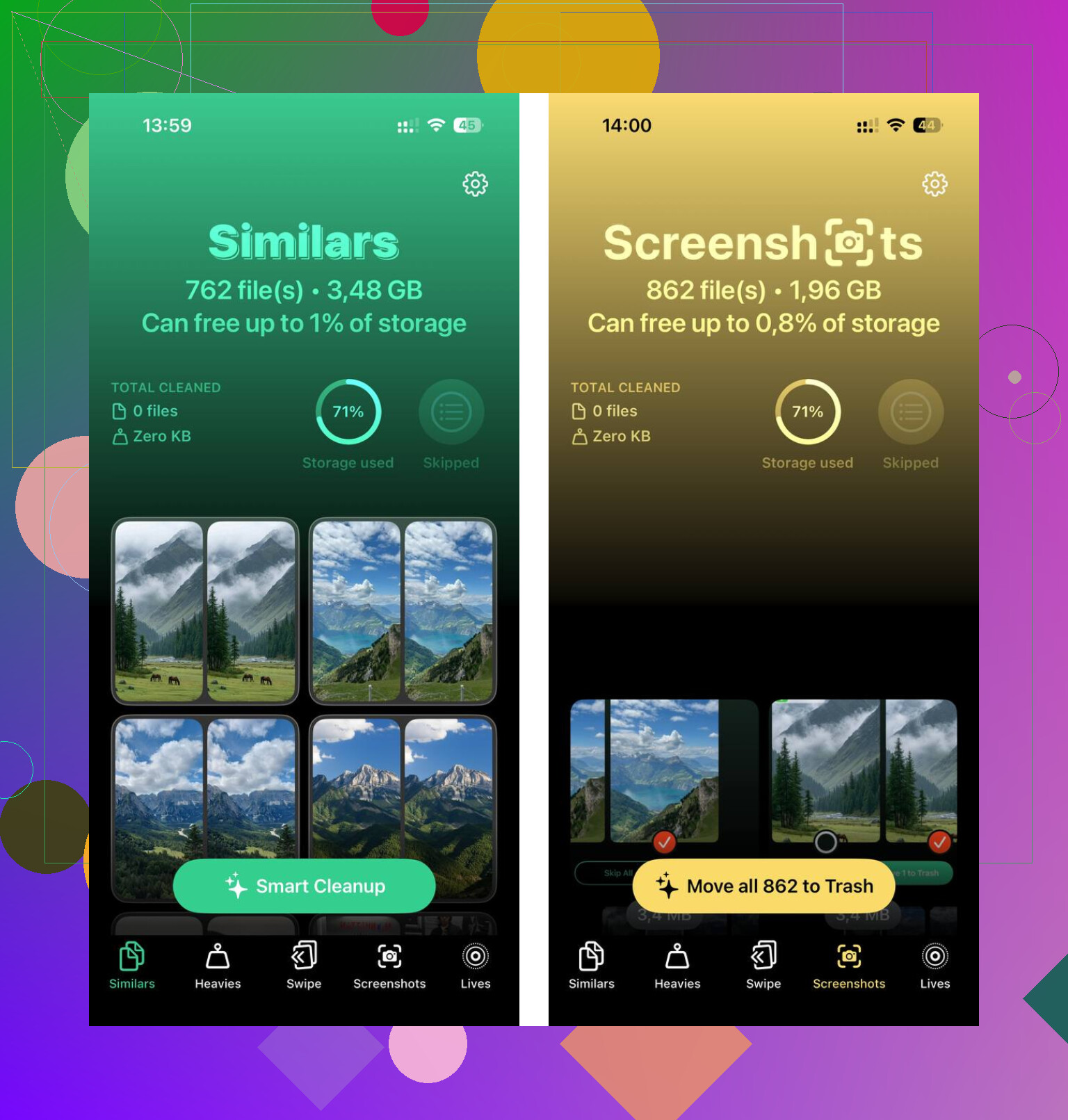
I tried the manual cleanup route for a while. It worked, sort of, but it took forever. Later I used Clever Cleaner, mostly because I was tired of apps pushing trials and sneaky weekly fees. This one felt different. No ads, no paywall, no subscription wall. I used the Heavies section first, since it sorts media by file size. That made it easy to spot old screen recordings, huge videos, and random junk I forgot existed.
The duplicate photo part helped too. I take too many shots of the same thing, then never clean them up. It found near-matches well enough for me. What I liked most was the local processing. My photos stayed on the phone. After I deleted around 12GB, the lag on my device dropped off fast. Not magic, but close enough for daily use.
If you want more usable space without paying every month, external storage is the cleanest workaround. You’re not increasing internal storage, but you are moving big files off the phone. For older iPhones, look at Lightning flash drives. For newer ones, USB-C drives are easier. SanDisk iXpand is one example people use a lot. You plug it in, move photos or videos over, then delete those files from the phone. One purchase, done. If you already have camera SD cards lying around, a Lightning-to-SD or USB-C card reader does the same job.
A few free things I’d do before buying anything:
-
Offload unused apps
Go to iPhone Storage and use Offload Unused Apps. This removes the app itself but keeps its data. If you reinstall later, your stuff usually comes back as it was. -
Clear Safari data
Open Settings > Apps > Safari, then clear history and website data. Safari hangs onto more cached data than most people think. -
Check message attachments
Group chats are storage hogs. GIFs, videos, memes, voice notes, all of it piles up. In iPhone Storage, look for Review Large Attachments and clear in batches. -
Use free cloud space elsewhere
Google Photos gives 15GB free. Dropbox gives 2GB free. Not huge, still useful if you need to park some files somewhere without adding a new bill. -
Move videos to a computer
This is still one of the best methods. Plug the phone into a Mac or PC, copy your largest videos off, then delete them from the phone. Slow and old-school, yeah, but it works.
So no, you can’t buy more internal iPhone storage after the fact. What you can do is reclaim space, move large files elsewhere, and stop paying for subscriptions you don’t want. I did that, and my phone felt normal agian instead of stuffed and sluggish.
12 Likes
You won’t get more internal iPhone storage after purchase. That part is fixed. So the choices are about where your big files live, and how much space you reclaim.
I agree with @mikeappsreviewer on the iCloud point. I disagree a bit on external drives being the cleanest fix for most people. They work, but a lot of people stop using them after a week. If you want someting low-effort, focus on your media habits first.
Best non-iCloud options:
-
Upgrade the phone
If you’re sitting on 64GB or 128GB and shoot lots of video, this is often the only long-term fix. 4K video eats space fast. One minute of 4K at 60 fps is roughly 400MB. -
Use another cloud service for originals
Google Photos, OneDrive, Amazon Photos if you have Prime. Turn off iCloud Photos if it’s duplicating your setup and confusing storage. -
Change camera settings
Settings, Camera, Record Video. Move from 4K to 1080p if you don’t need max quality. Turn on High Efficiency for photos and video. This saves gigs over time. -
Delete app downloads, not the app
Spotify, Netflix, YouTube, Podcasts, Maps offline areas. These are common space hogs. People forget them. -
Clean photo clutter faster
Apple’s duplicate tool misses a lot of near-dupes and junk screenshots. Clever Cleaner is worth a look for bulk cleanup. You can grab it here, free iPhone storage cleaner for photos and videos. -
Reset bloated apps
Some apps hoard cache and documents. Deleting and reinstalling apps like Instagram, TikTok, or Discord often frees a surprizing amount.
If you want the shortest answer, buy a bigger iPhone next time, or move media off the device. Those are the two options thta last.
You can’t really buy more internal iPhone storage after purchase. That part is fixed, so I’m with @mikeappsreviewer and partly with @viajeroceleste there. Where I kinda disagree is the “just upgrade the phone” angle being the main answer. For a lot of people, that’s overkill if the real issue is bad storage management.
A few non-iCloud options that are actually practical:
- NAS at home: If you want your own “personal cloud” without monthly fees, a Synology or even a cheap network drive can auto-backup photos/videos over Wi-Fi.
- SSD with Files app support: External drives are better now than they used to be, esp on USB-C iPhones. Much less annoying.
- SMB/file server to a computer: If you already have a desktop or Mac mini always on, use that as your dump folder for videos.
- Third-party photo cleanup: Apple’s built-in cleanup tools are kinda weak for near-duplicates and giant clips. Clever Cleaner is worth a look if your photo library is the mess. Also saw a detailed review of this truly free iPhone storage cleanup app that explains what it does pretty clearly.
One thing people forget: apps themselves are often not the problem, their documents/data are. Messenger apps, editing apps, and downloaded media pile up fast.
So the real options are:
- Reclaim space
- Move files elsewhere
- Replace the phone with a bigger-storage model
Annoying answer, but that’s the truth tbh.
One angle I think @viajeroceleste, @himmelsjager, and @mikeappsreviewer only touched lightly is this: sometimes the problem is not lack of storage, it is bad local retention settings.
A few options besides iCloud that are worth considering:
- Streaming-first apps: If Spotify, Netflix, YouTube, or Apple Podcasts are eating space, stop treating the phone like a permanent library. Keep only current downloads and let everything else stream.
- Change Messages retention: Settings > Apps > Messages > Keep Messages. If it is set to Forever, switch to 1 Year or 30 Days. Old attachments can quietly eat tens of GB.
- Use Shared Albums or send links instead of copies: If family chats are full of duplicated photos/videos, shared links reduce repeats sitting on your phone.
- Turn off “Save to Photos” in apps: WhatsApp, Instagram, editing apps, and camera apps often save an extra copy automatically.
- Shoot smarter: Cinematic, slo-mo, ProRAW, and 4K60 are storage killers. I slightly disagree with the “upgrade phone” crowd because sometimes one settings tweak saves more space than a hardware purchase.
If your library is already messy, Clever Cleaner is a decent cleanup tool.
Pros
- good for near-duplicates and heavy videos
- faster than manual sorting
- can free space without moving everything off-device
Cons
- cleanup apps still need review, so it is not fully hands-off
- near-duplicate detection is never perfect
- won’t solve huge storage needs if you constantly record lots of video
So the real non-iCloud play is: reduce duplicate saves, shorten retention, and only then use tools like Clever Cleaner to trim the backlog. That usually buys more time than people expect.